Working with Content Kits: Edit, Export, Share
Your Content Kit is a complete set of ready-to-publish content generated from a single input. Here's how to navigate, edit, export, and share everything inside it.
4 min read
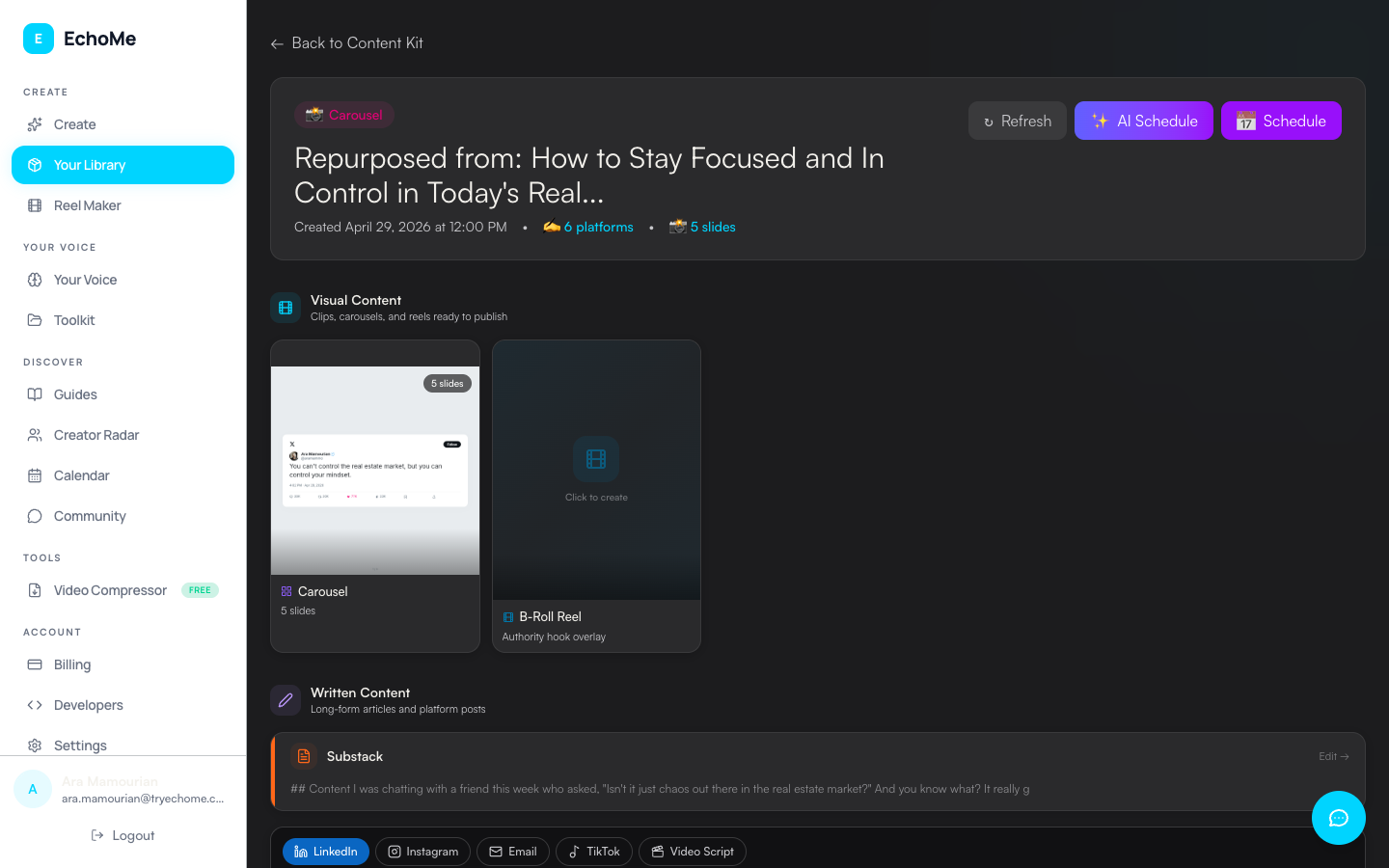
Find your kit in Your Library
Open Your Library from the sidebar. Your kits are organized by status: Ready to Publish, Processing, and Earlier. The most recent kits appear at the top.
Open a kit
Click any kit to open it. Inside, your content is organized into two main sections: Visual Content and Written Content.
Browse Visual Content
The Visual Content section contains your video clips with captions and carousel slides. Each piece is displayed in an OutputCard with a clean preview. Download captioned clips at up to 1080p (output matches your source resolution), ready for any platform. Each clip is optimized for vertical (9:16) short-form content. If the original video had multiple speakers, split-screen versions are available too.
Browse Written Content
The Written Content section contains your LinkedIn post, Instagram caption, X post, TikTok caption, blog draft, email newsletter, YouTube description, and video script. Each OutputCard shows a preview of the content with options to edit, copy, or export.
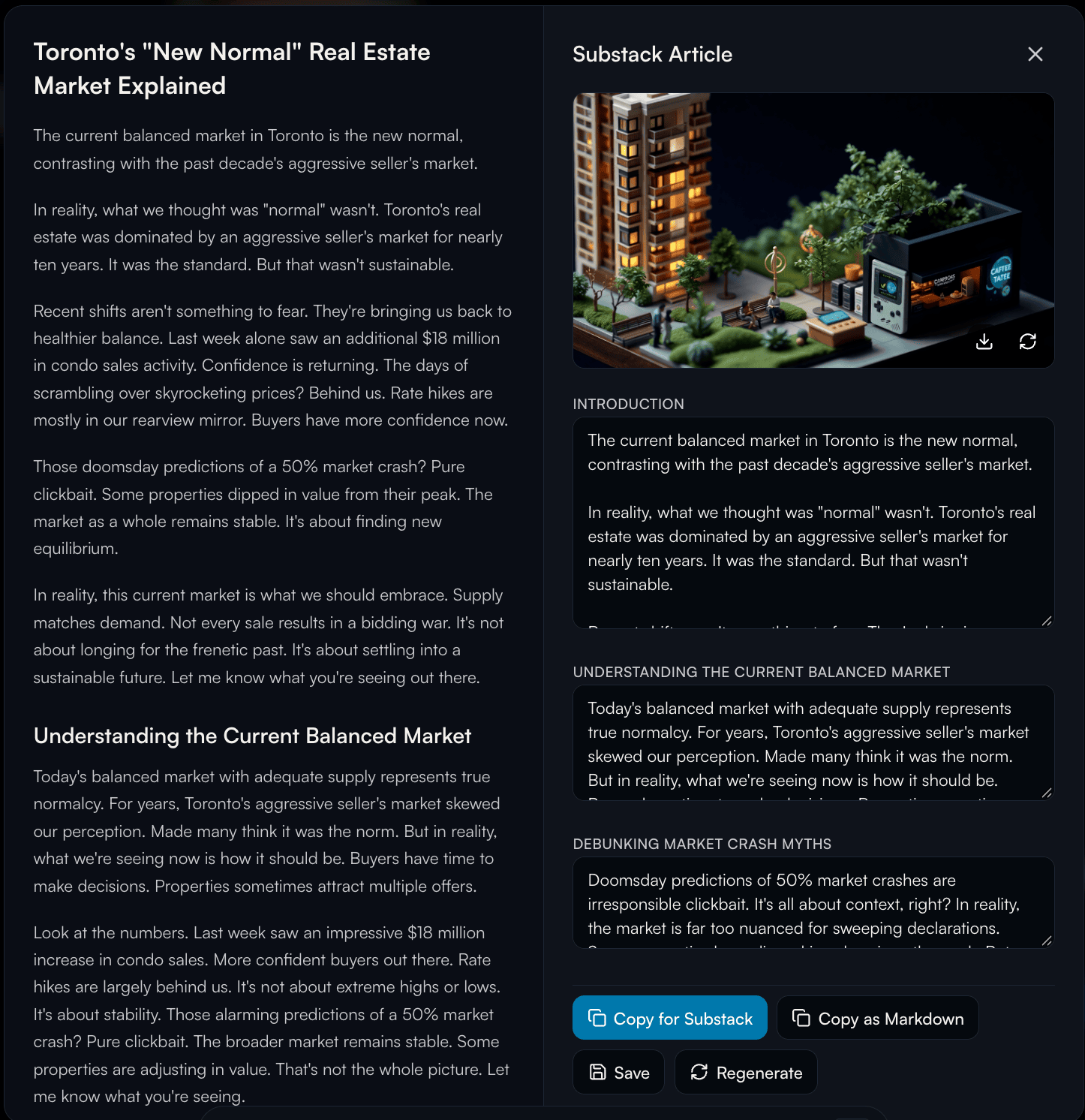
Edit any post
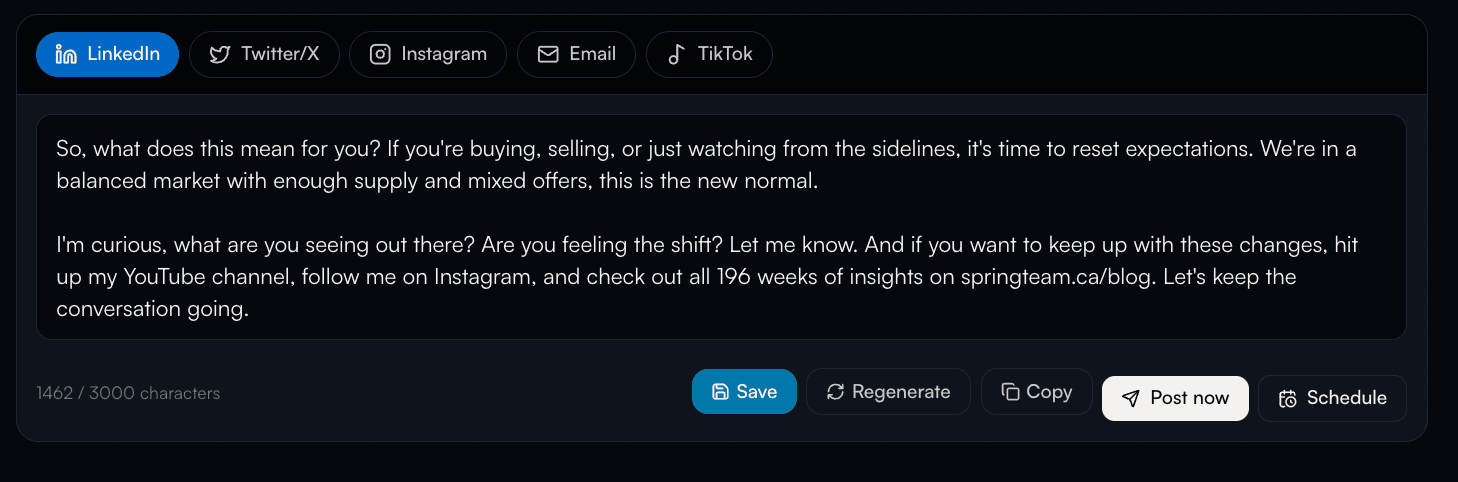
Click on any piece of written content to edit it directly. LinkedIn, Instagram, X, TikTok, blog, email, YouTube description, and video script are all editable inline. Make it yours, then save.
Edit captions and clip text in the clip editor
Open any clip and you’ll get the full editor. Pick from 8 caption styles, drag the caption block anywhere on the video, drag a corner handle to resize the text, and click any transcript line to fix a mis-transcription. The preview jumps to that moment so you can see your edit live. The post caption that goes alongside the clip is also editable inline.
Share or copy
Copy any text to clipboard with one click. Download video clips directly. Share content to your platforms or save it in Your Library for later publishing.
Ready to explore your kits?
Open Your LibraryLog in to view your generated content.